


Packaging & Shipping Guide
A damaged device is fragile. Pack it the right way and your data has the best chance of a full recovery — follow these simple steps before you courier it to our lab.
One bump in transit can turn a simple case into a hard one
Inside a hard drive the read/write heads float a few nanometres above the platters. A drop or a strong knock during shipping can make the heads scratch the surface — and scratched areas cannot be recovered.
SSDs, memory cards and circuit boards are also sensitive to static electricity and moisture. Good packaging protects your device from all three.
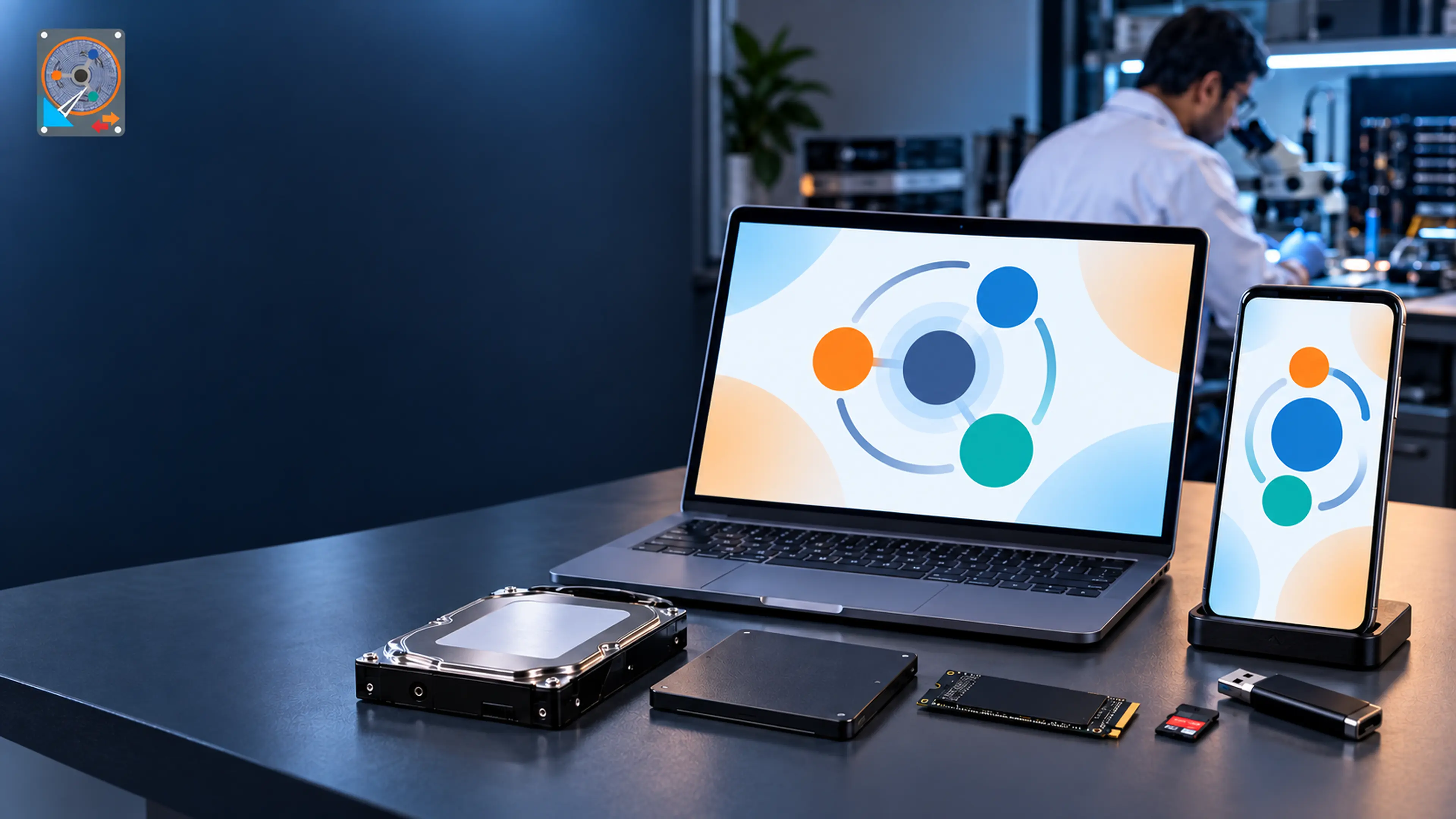
How to Pack Your Device
Six steps, about ten minutes, and your data travels safely.
Power off & disconnect
Shut the device down properly and unplug it. Do not try to power it on again — a failing drive can get worse each time it spins up.
Use an anti-static bag
Put the bare drive, SSD or card inside an anti-static bag. If you do not have one, a clean, dry zip-lock bag is the next best option.
Wrap in bubble wrap
Wrap the bagged device in 2–3 layers of bubble wrap (about 5 cm thick on every side) and tape it so it cannot unroll.
Pack in a sturdy box
Use a strong carton with packing peanuts or foam all around. Shake it gently — nothing should move inside. For best protection put this box inside a second box.
Add your details inside
Include a note with your name, mobile number, email, your Estimate / Job number (if you have one) and a short description of the problem.
Seal, label & ship
Seal all edges with strong tape, mark the box "FRAGILE – ELECTRONIC MEDIA", and send it with a tracked, insured courier. Share the tracking number with us.
Do's and Don'ts
✓ Do
- Ship only the faulty drive when possible (keep cables, adapters and enclosures unless we ask for them).
- Send external drives in their enclosure if you cannot remove the drive safely.
- Label every disk of a RAID / NAS with its slot or bay number before removing it.
- Keep a photo of the packed box and the courier receipt.
- Call or WhatsApp us before shipping so we can watch for your parcel.
✕ Don't
- Don't open the hard drive or remove its labels and screws.
- Don't try to dry a wet device with a hair-dryer, oven or rice.
- Don't send the drive loose in an envelope or with only paper wrapping.
- Don't use packing peanuts directly against a bare circuit board (static).
- Don't keep powering on a clicking, beeping or burnt-smelling device.
Packing Different Devices
Water-damaged devices
Do not dry or power it. Put it in a sealed plastic bag (a little of the same water inside is fine) and ship it immediately — corrosion starts within hours.
Laptops & MacBooks
If you can, remove the drive and send only the drive. If the storage is soldered (most MacBooks), send the complete laptop with its charger.
RAID, NAS & servers
Send every member disk, labelled in order, plus the RAID controller details (or the whole NAS unit). Never re-initialise or rebuild the array first.
Memory cards & pen drives
Put the card in its plastic case (or a small zip bag), then into a padded envelope, then into a small box. Cards are easy to lose in large boxes.
Send your parcel to our lab
Address the parcel to our lab below and write your mobile number on the outside of the box. Let us know the courier name and tracking number so we can confirm the moment it arrives.
Lab address
Data Recovery Doctor
1st Floor, Niwara, Near Ajmera Bhavan, Khadkeshwar, Aurangabad, Maharashtra - 431001
📞 +91 93252 20081
✉️ datarecoverydoctormh@gmail.com
Prefer a free doorstep pickup?
Our team collects your device in anti-static, shock-proof packaging — no packing needed on your side.