

A failed hard drive is stressful, but what you do in the first few minutes often decides whether your data can be recovered completely, partly, or not at all. These are the rules our engineers give every customer.
1. Switch it off
If the drive is clicking, beeping, grinding or not detected, power it off immediately. A damaged head can scratch the platters every second the drive keeps spinning.
2. Do not keep restarting the computer
Repeated power cycles stress a weak drive. One failed boot is a warning; ten failed boots can turn a simple head replacement into a much harder case.
3. Do not run recovery software on a failing drive
Software tools are made for healthy drives with deleted files. On a drive with bad sectors or weak heads they read the same damaged areas again and again and can make things worse.
4. Never open the drive
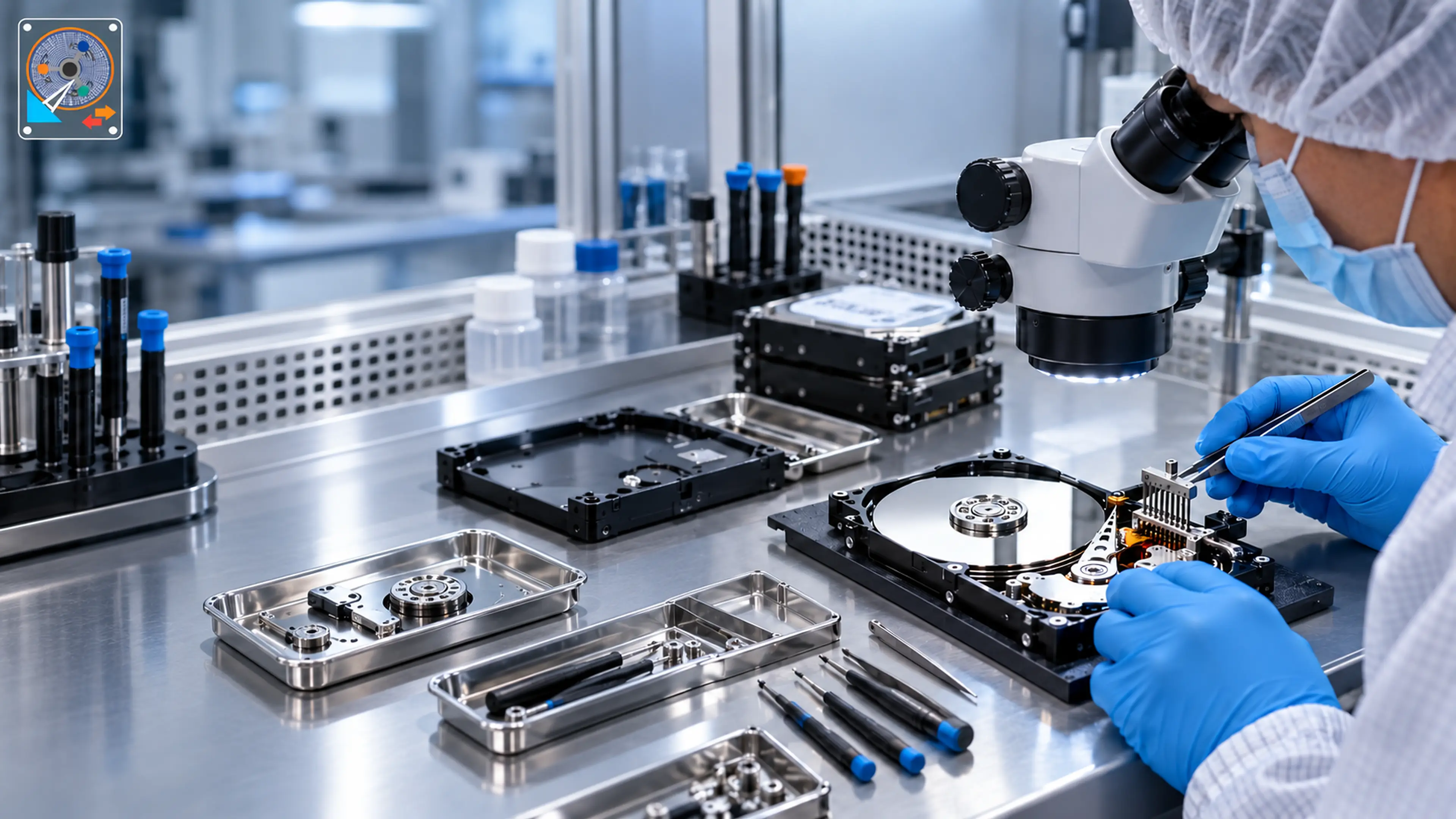
The inside of a hard drive must stay free of dust. A single dust particle is larger than the gap between the head and the platter. We open drives only inside a certified clean-room environment.
5. Do not put it in the freezer
This old internet trick causes condensation on the platters and usually destroys the data for good.
6. Write down what happened
Was it dropped? Was there a power cut? Did it start making a noise? These details help our engineers diagnose the problem faster.
7. Get a free professional evaluation
Bring the drive to the lab or request a free pickup. We will tell you the exact problem, the chances of recovery and the price before any work starts - and if we cannot recover your data, you do not pay.