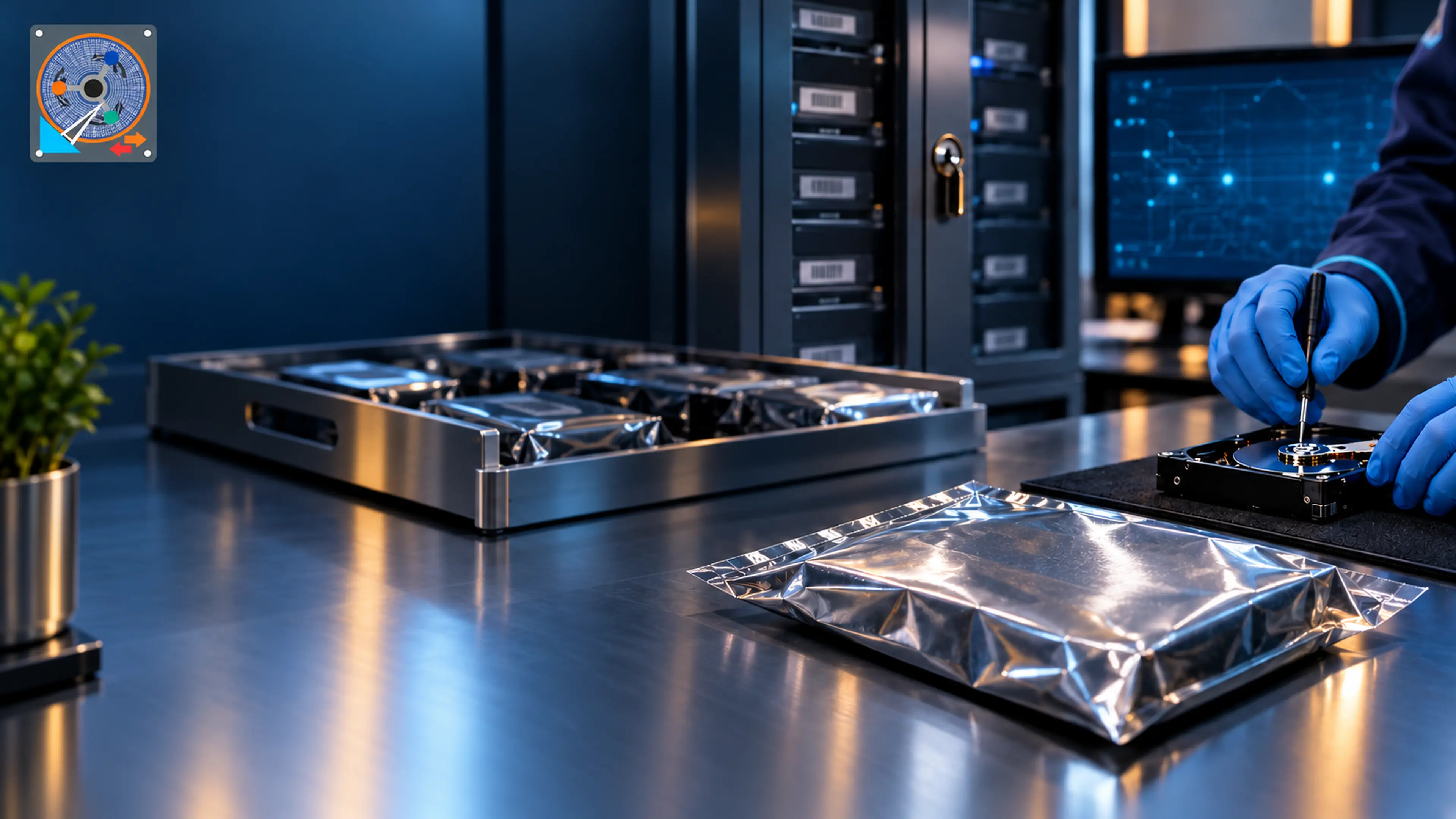
The 3-2-1 Backup Rule: The Simplest Way to Never Lose Data Again
Most of the cases we see could have been avoided with one simple habit. Here is how to set up a backup plan that actually works.
Read more
Clicking, beeping, not detecting, formatted or encrypted drives.

Corruption, dead controllers, overheating, water damage.

Boot failure, liquid damage, virus & malware attacks.

Deleted, formatted, corrupted or inaccessible drives.

RAID crashes, degraded arrays, NAS & server failures.

Damaged connectors, corruption, not detected devices.

Formatted SD card, file system corruption, chip damage.
See the full list of devices and failure types we cover.
Practical advice from our lab engineers — what to do when a drive fails, how to protect your data, and the latest from the world of data recovery.
Most of the cases we see could have been avoided with one simple habit. Here is how to set up a backup plan that actually works.
Read moreStop using the device and talk to our engineers. Free evaluation · No Data – No Charge.