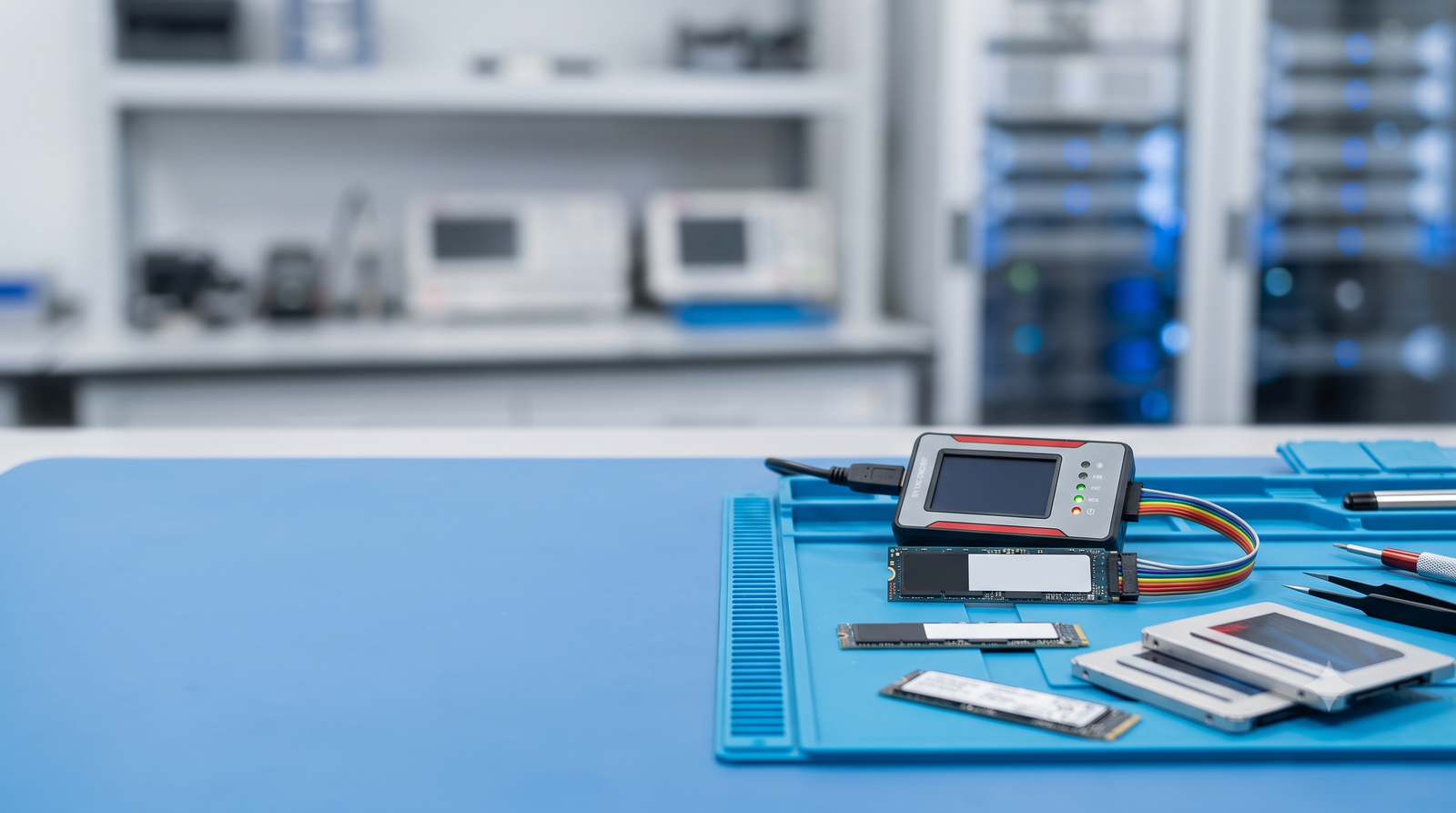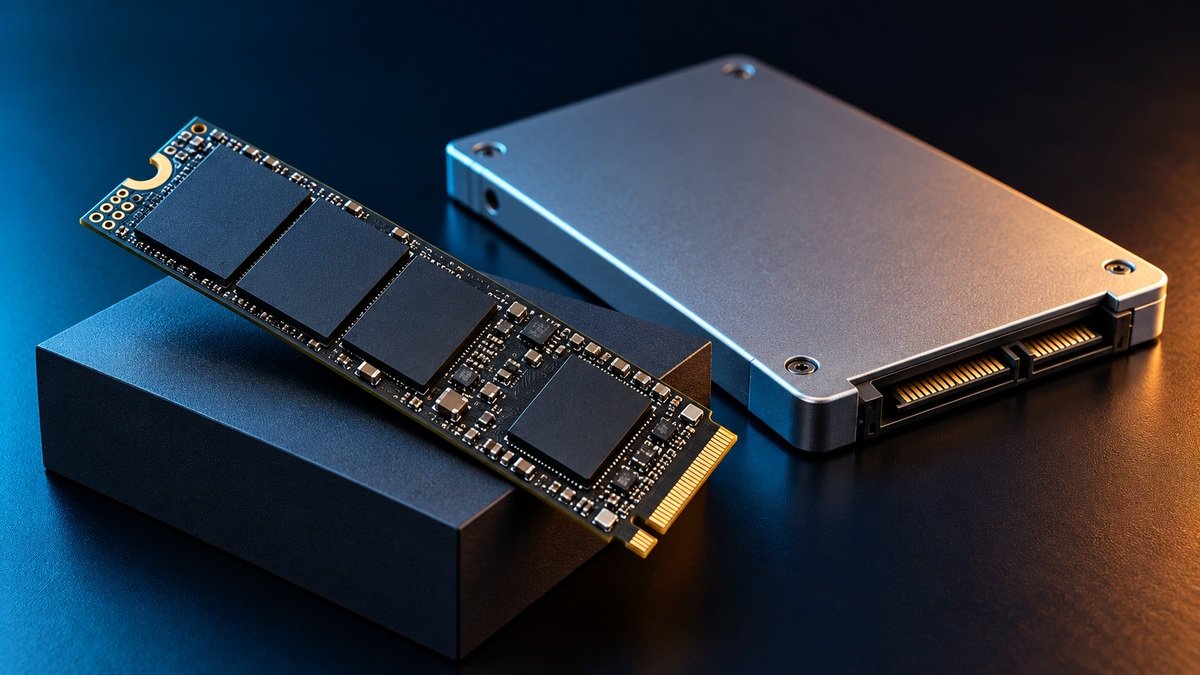


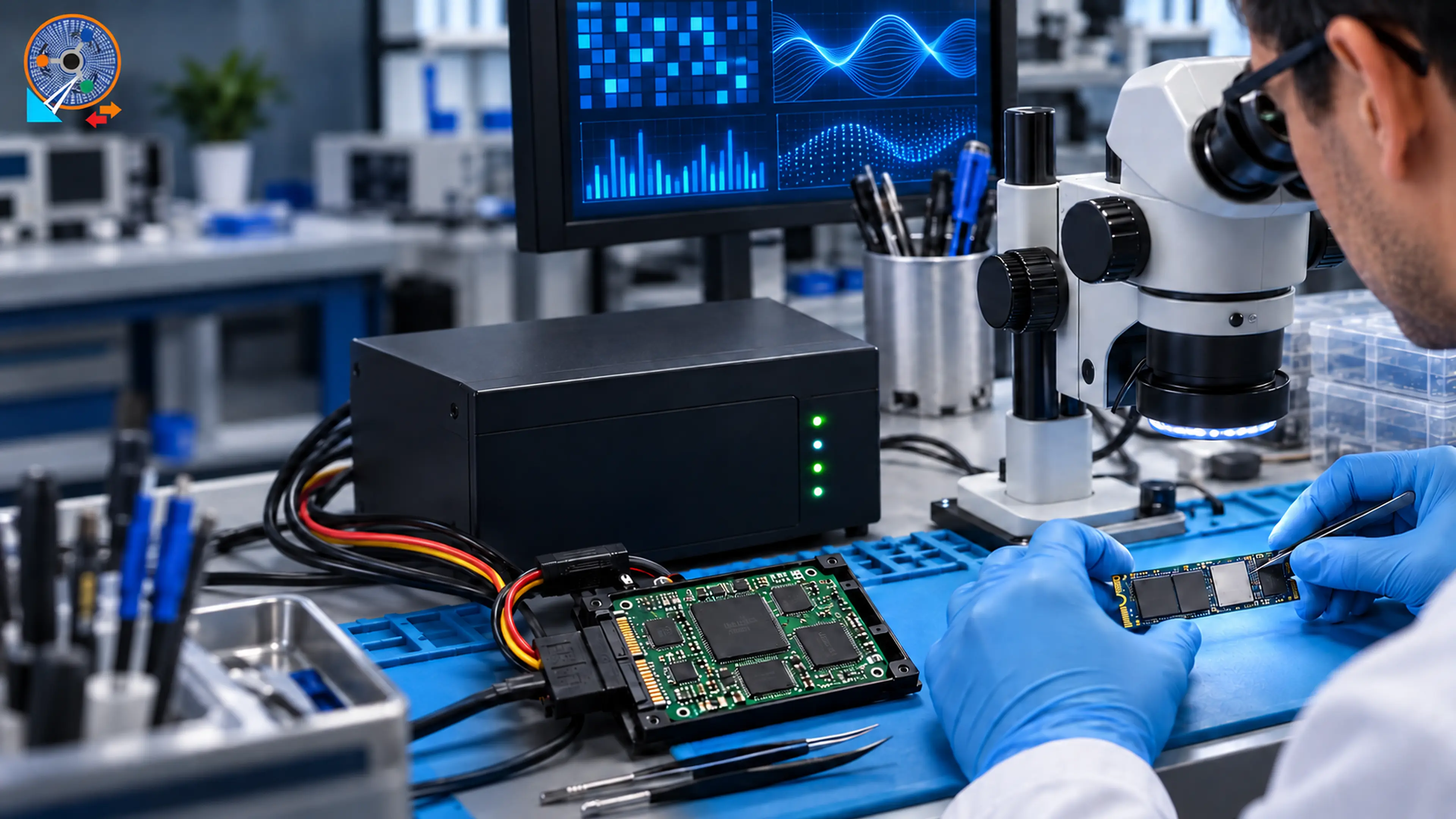
Solid state drives are fast, silent and have no moving parts. When they fail, though, recovery needs a completely different set of tools and skills from a traditional hard drive.
The controller is the brain
Every SSD has a controller chip that decides where each piece of data is stored across the NAND memory chips. When the controller or its firmware fails, the drive often shows up with the wrong name, 0 bytes capacity, or not at all - even though the data is still on the chips.
Data is scattered and often encrypted
To spread wear evenly, the controller constantly moves data around. Many modern SSDs also encrypt data automatically. That is why we first try to repair the original controller and firmware, so the drive can translate its own data again.
TRIM: why deleted files are hard to get back
When you delete a file, the operating system tells the SSD with a TRIM command, and the drive may erase those blocks in the background within minutes. If you deleted something important from an SSD, power it off straight away.
Common SSD failure signs
- Drive not detected in BIOS
- Wrong model name or tiny capacity shown
- Computer freezes when the drive is connected
- Read-only mode or sudden slowdowns
What to do
Stop using the drive, do not update its firmware and do not run chkdsk. Our lab has dedicated SSD tools for SATA and NVMe drives and will give you a free diagnosis before any work begins.